YouTube Minimal on PC

Watch YouTube with the least CPU usage

You will need to install an extension such as Tampermonkey, Greasemonkey or Violentmonkey to install this script.

You will need to install an extension such as Tampermonkey to install this script.

You will need to install an extension such as Tampermonkey or Violentmonkey to install this script.

You will need to install an extension such as Tampermonkey or Userscripts to install this script.

You will need to install an extension such as Tampermonkey to install this script.

You will need to install a user script manager extension to install this script.

(I already have a user script manager, let me install it!)

You will need to install an extension such as Stylus to install this style.

You will need to install an extension such as Stylus to install this style.

You will need to install an extension such as Stylus to install this style.

You will need to install a user style manager extension to install this style.

You will need to install a user style manager extension to install this style.

You will need to install a user style manager extension to install this style.

(I already have a user style manager, let me install it!)

Аўтар
𝖢𝖸 𝖥𝗎𝗇𝗀
Усталяванняў за дзень
0
Усяго ўсталяванняў
1,231
Рэйтынг
3 1 0
Версія
0.6
Створаны
03.01.2023
Абноўлены
27.06.2025
Памер
3.7 КБ
Ліцэнзія
MIT
Ужываецца на

CAREFUL

This one can make you switch from Desktop UI to Mobile UI and vice versa.

By default, PC environment is Persistent Youtube Desktop and you are not allowed to visit m.youtube.com

Here you can have two options: Switch to another UI temporarily, or Switch to another UI persistently.

I would recommend you try the temporary switching first.
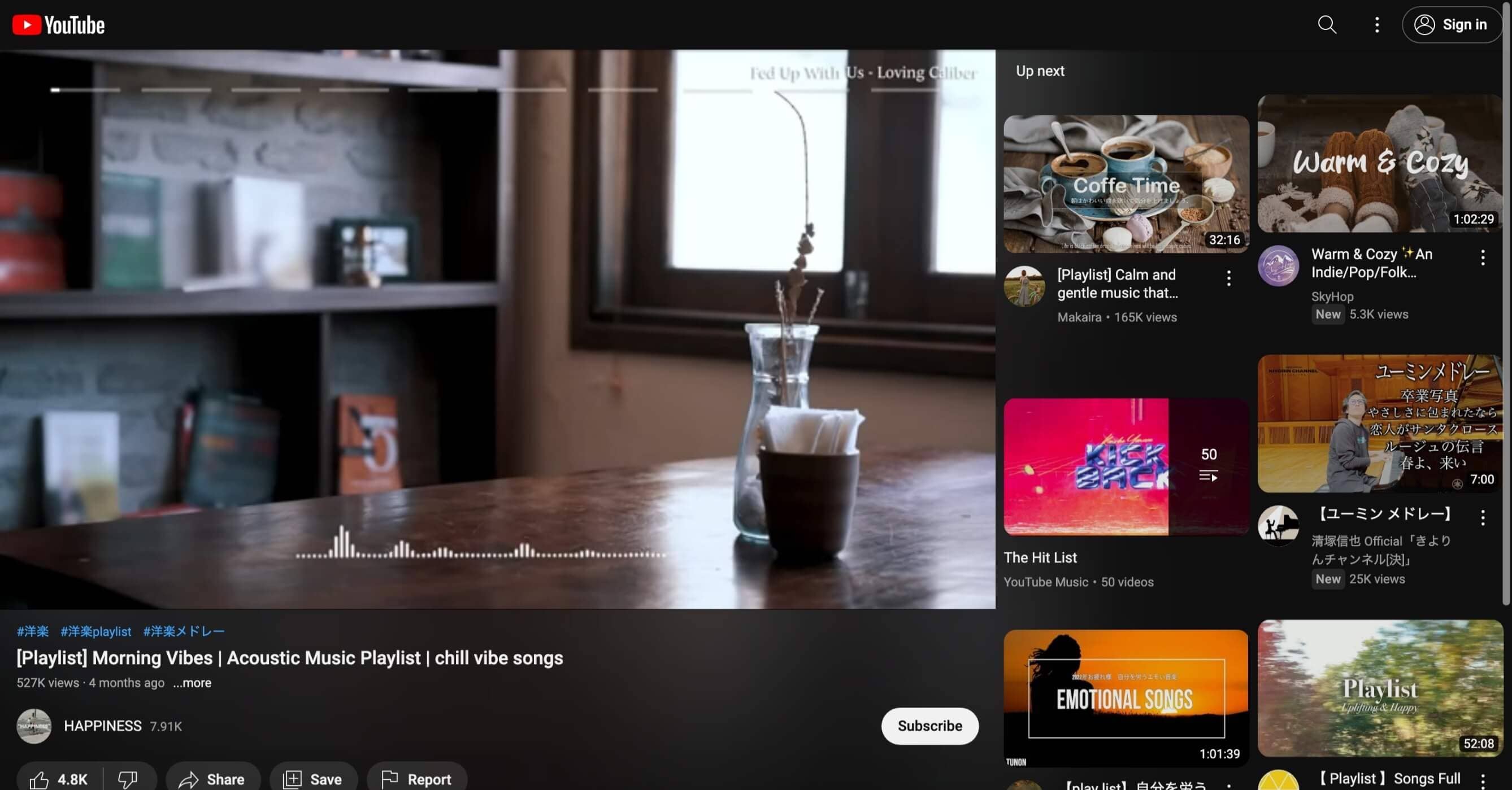
Remember, if you switch to Mobile UI persistently, you are not allowed to go back Dekstop UI if you do not switch back to Desktop UI persistently.

YouTube Minimal Preview

YouTube Minimal Screenshot

Related Script