Twitter X Icon

Change Twitter X Icon

Pada tanggal 30 Juli 2023. Lihat %(latest_version_link).

You will need to install an extension such as Tampermonkey, Greasemonkey or Violentmonkey to install this script.

You will need to install an extension such as Tampermonkey to install this script.

You will need to install an extension such as Tampermonkey or Violentmonkey to install this script.

You will need to install an extension such as Tampermonkey or Userscripts to install this script.

You will need to install an extension such as Tampermonkey to install this script.

You will need to install a user script manager extension to install this script.

(I already have a user script manager, let me install it!)

You will need to install an extension such as Stylus to install this style.

You will need to install an extension such as Stylus to install this style.

You will need to install an extension such as Stylus to install this style.

You will need to install a user style manager extension to install this style.

You will need to install a user style manager extension to install this style.

You will need to install a user style manager extension to install this style.

(I already have a user style manager, let me install it!)

Penulis
𝖢𝖸 𝖥𝗎𝗇𝗀
Nilai
0 0 0
Versi
0.1.7
Dibuat
30 Juli 2023
Diperbarui
30 Juli 2023
ukuran
10,9 KB
Lisensi
MIT
Berlaku untuk

Features

  1. Notification Red Dot Supported
  2. SVG, png, ico, ... supported

Usage

  1. Open Twitter
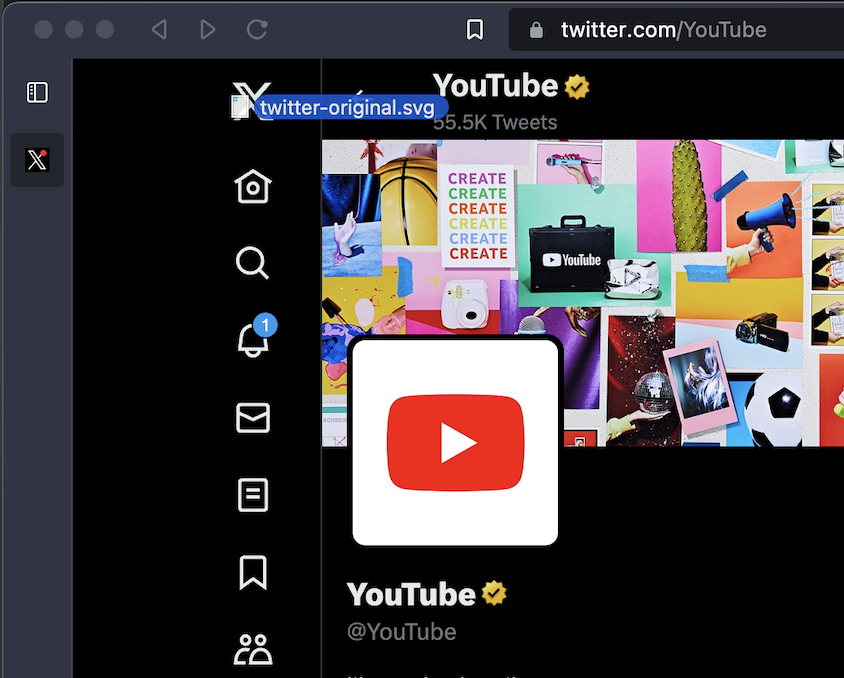
  2. Drag and Drop the icon to the top left icon
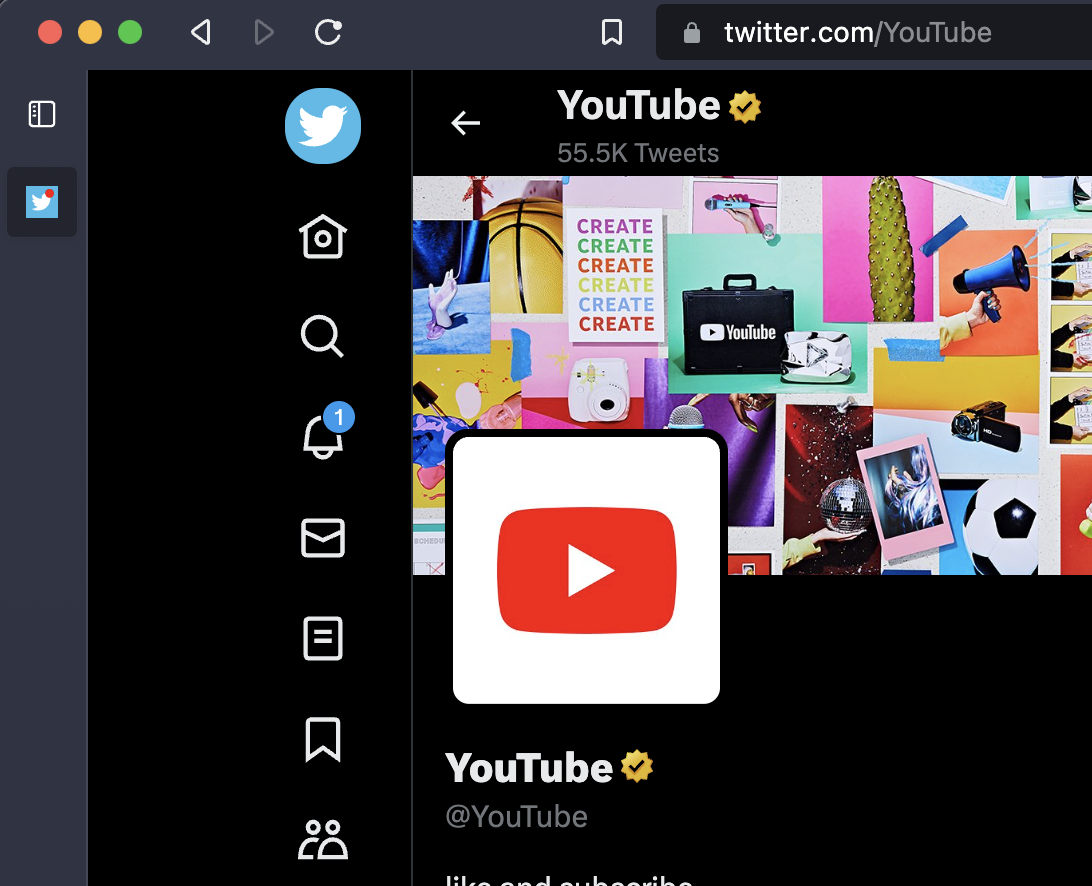
  3. Done

Icons

Other Icons

Screenshots

Drag & Drop

Done