Youtube Blocker

Block youtube usage by configured rules

スクリプトをインストールするには、Tampermonkey, GreasemonkeyViolentmonkey のような拡張機能のインストールが必要です。

You will need to install an extension such as Tampermonkey to install this script.

スクリプトをインストールするには、TampermonkeyViolentmonkey のような拡張機能のインストールが必要です。

スクリプトをインストールするには、TampermonkeyUserscripts のような拡張機能のインストールが必要です。

このスクリプトをインストールするには、Tampermonkeyなどの拡張機能をインストールする必要があります。

このスクリプトをインストールするには、ユーザースクリプト管理ツールの拡張機能をインストールする必要があります。

(ユーザースクリプト管理ツールは設定済みなのでインストール!)

このスタイルをインストールするには、Stylusなどの拡張機能をインストールする必要があります。

このスタイルをインストールするには、Stylus などの拡張機能をインストールする必要があります。

このスタイルをインストールするには、Stylus tなどの拡張機能をインストールする必要があります。

このスタイルをインストールするには、ユーザースタイル管理用の拡張機能をインストールする必要があります。

このスタイルをインストールするには、ユーザースタイル管理用の拡張機能をインストールする必要があります。

このスタイルをインストールするには、ユーザースタイル管理用の拡張機能をインストールする必要があります。

(ユーザースタイル管理ツールは設定済みなのでインストール!)

このスクリプトの質問や評価の投稿はこちら通報はこちらへお寄せください
作者
Rylee.Hermann
1日のインストール数
0
累計インストール数
49
評価
1 0 0
バージョン
0.5.0
作成日
2021/01/09
更新日
2021/01/09
大きさ
394KB
ライセンス
MIT
対象サイト


🙌 Usage

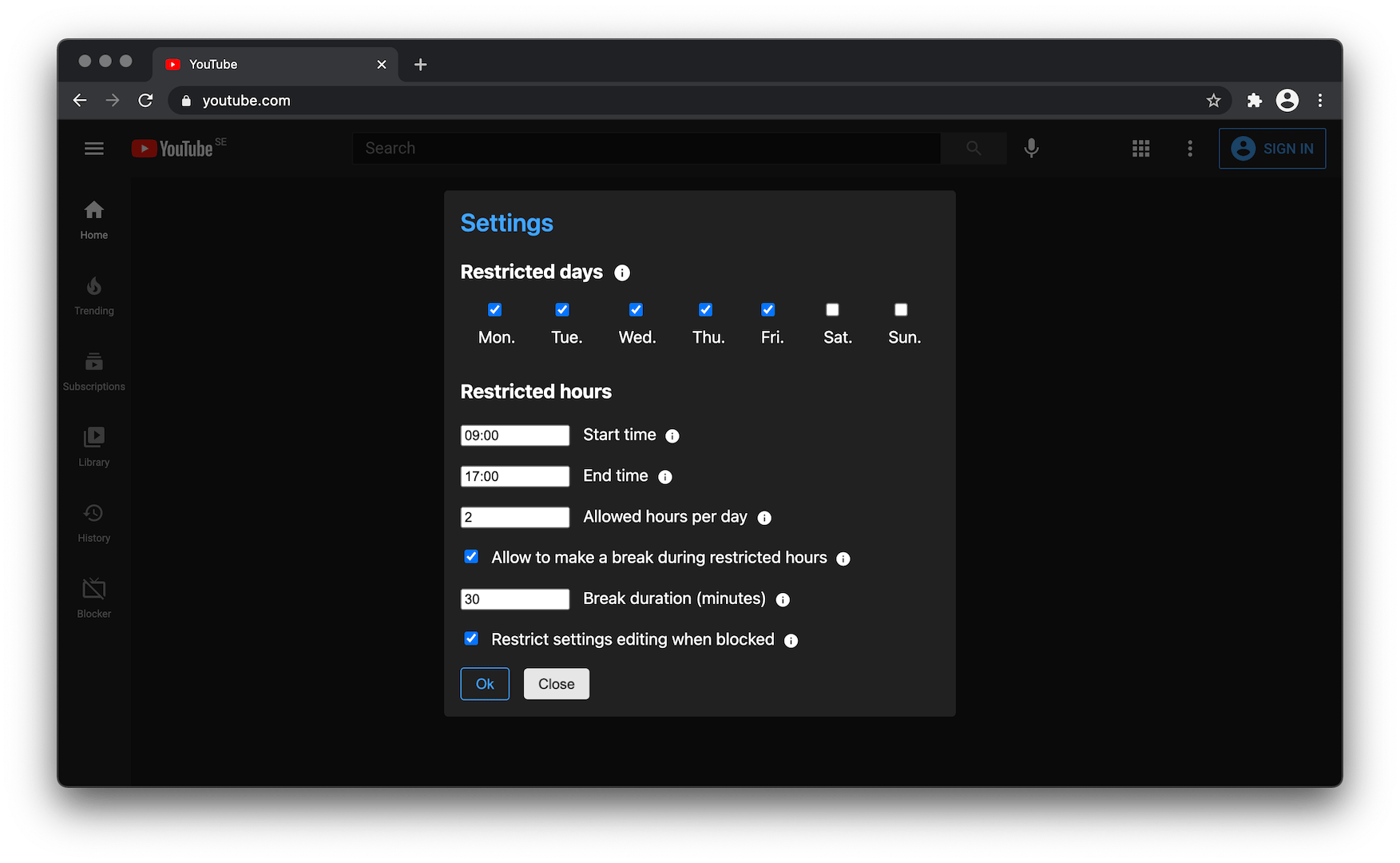
First time you enter Youtube after script installation you will be asked configure the script for your usage. You can move your cursor over the question mark icon to see the explanation about each setting option.

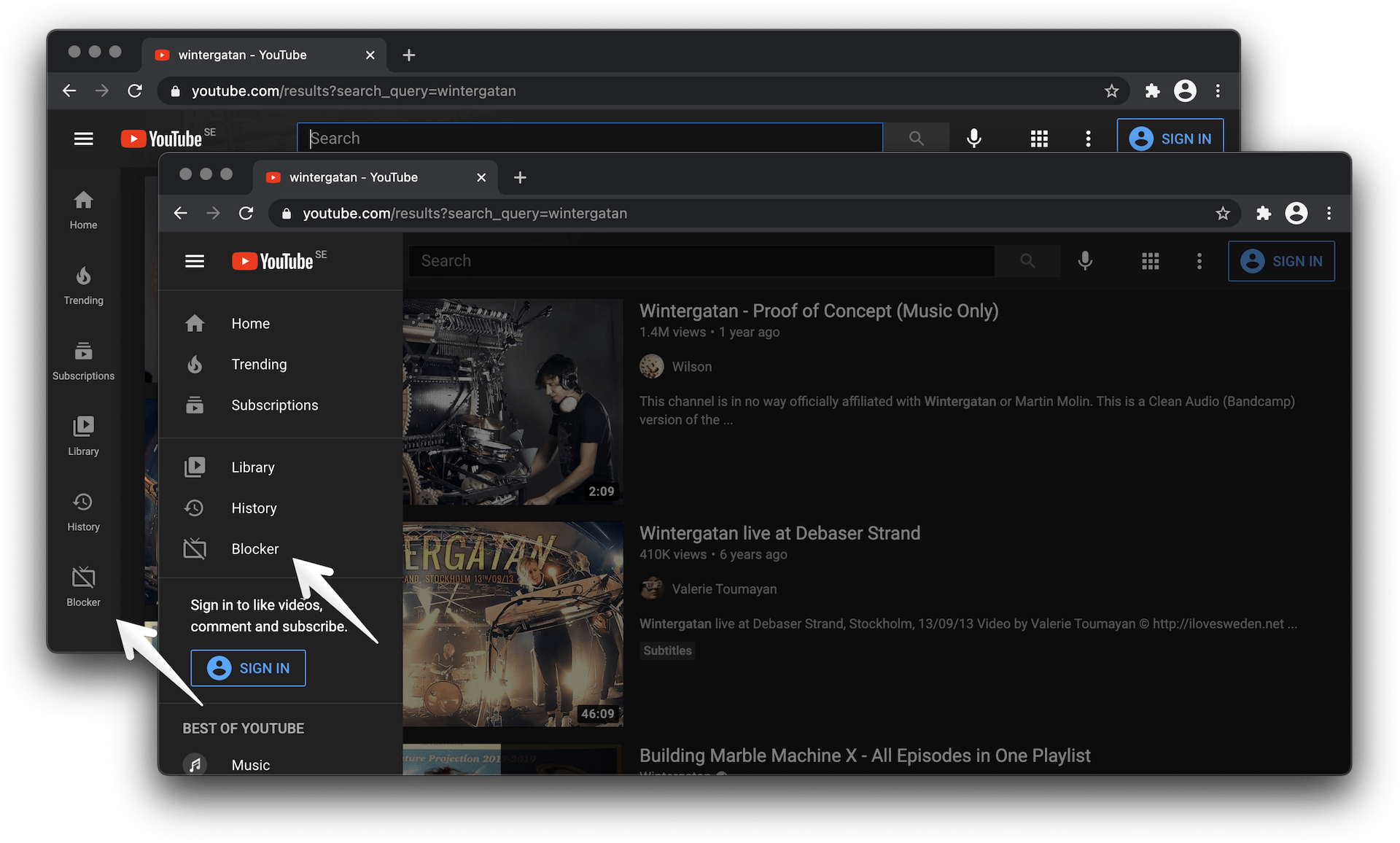
You will also able to open the settings dialog later by clicking the new button appeared in the left sidebar.

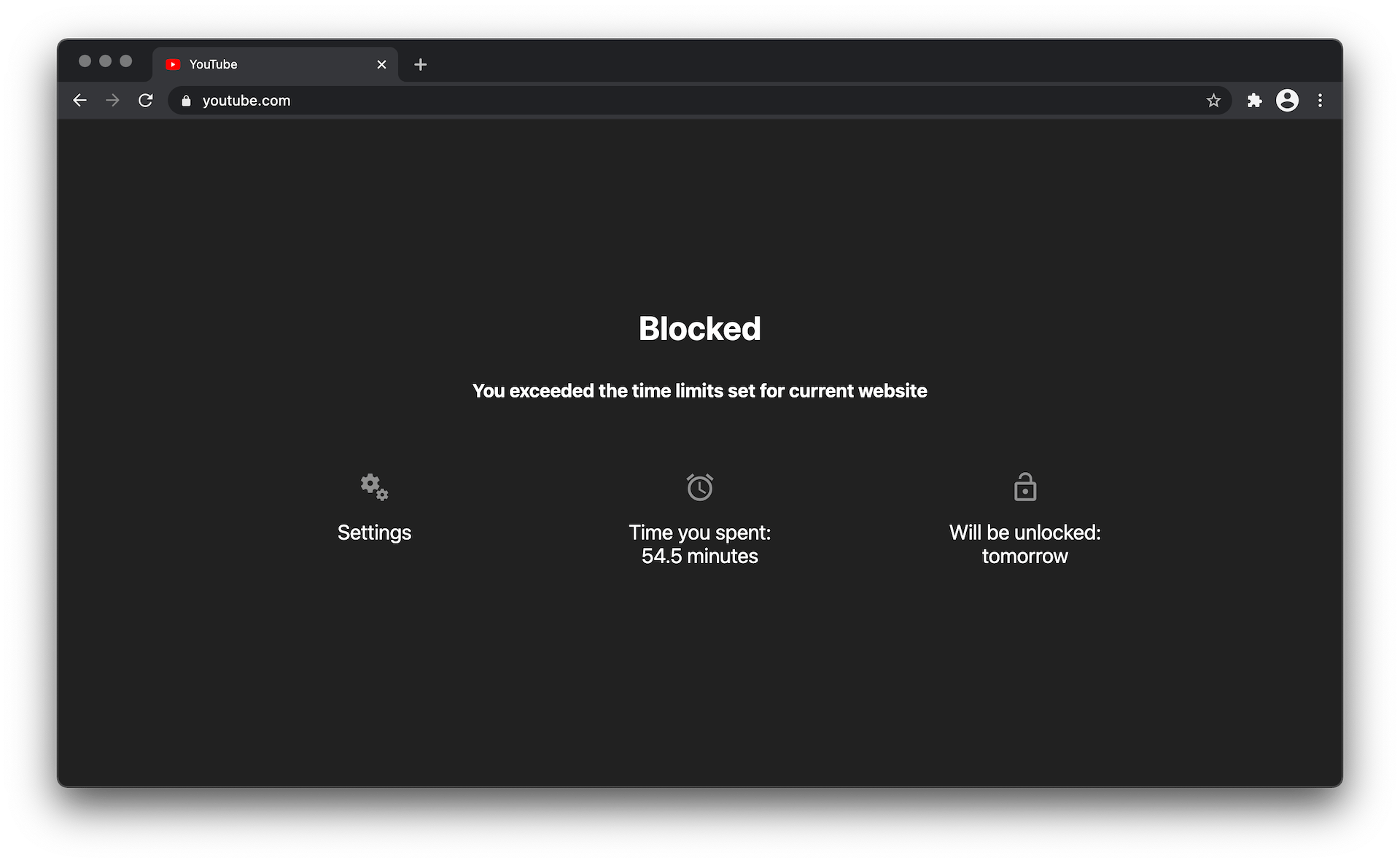
When you rich your scheduled restricted hours, the youtube will be blocked till the end of your working time or until the following day if your daily time limit is over.

📸 Extension screenshots


See under the toggle


buttons demo
Settings button


settings demo
Settings window


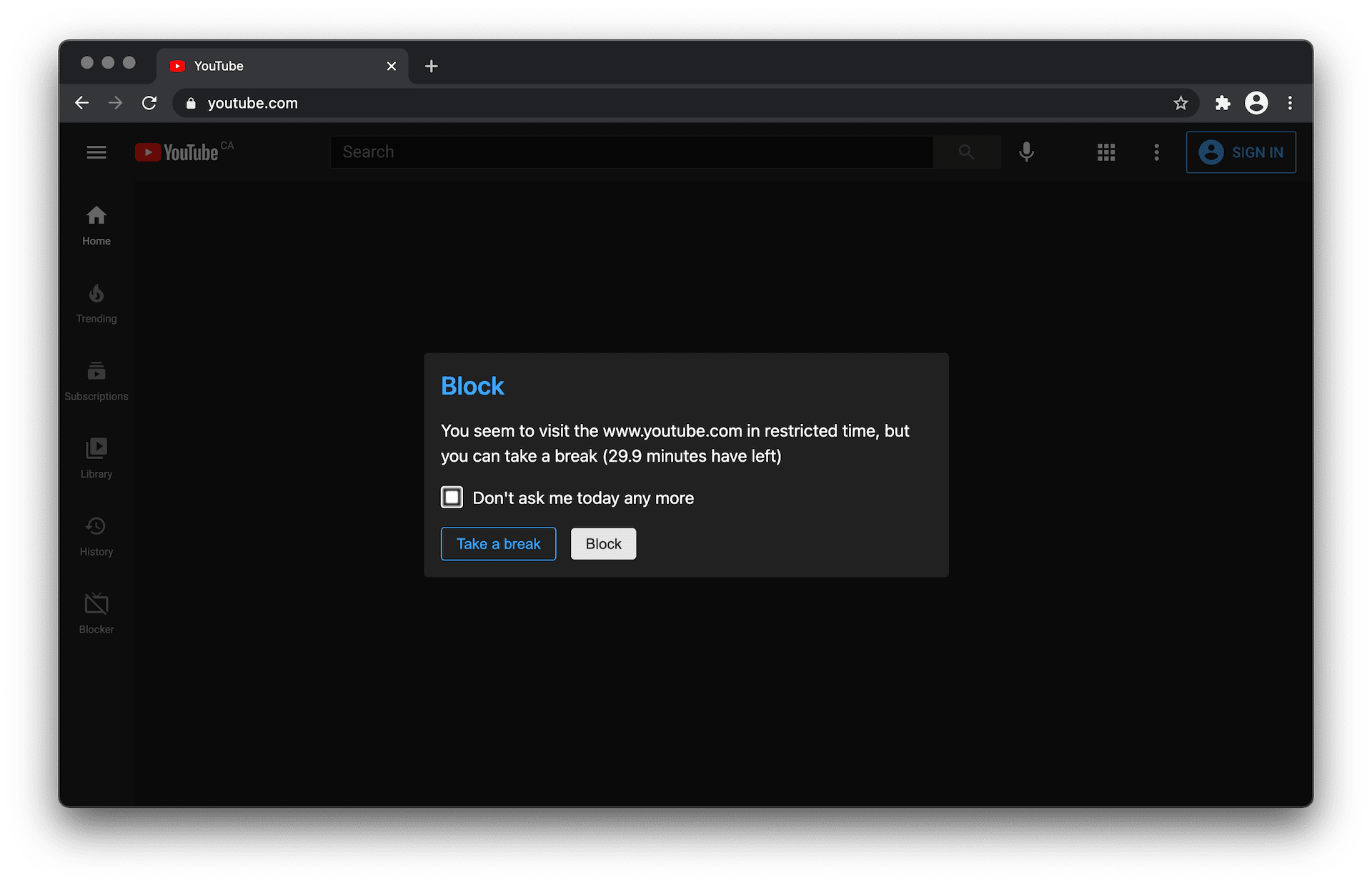
settings demo
"Take a break" window


blocker demo
Block page