Telegram Media Downloader

Download images, GIFs, videos, and voice messages on the Telegram webapp from private channels that disable downloading and restrict saving content

Fra 06.01.2024. Se den seneste versjonen.

You will need to install an extension such as Tampermonkey, Greasemonkey or Violentmonkey to install this script.

You will need to install an extension such as Tampermonkey to install this script.

You will need to install an extension such as Tampermonkey or Violentmonkey to install this script.

You will need to install an extension such as Tampermonkey or Userscripts to install this script.

You will need to install an extension such as Tampermonkey to install this script.

You will need to install a user script manager extension to install this script.

(I already have a user script manager, let me install it!)

You will need to install an extension such as Stylus to install this style.

You will need to install an extension such as Stylus to install this style.

You will need to install an extension such as Stylus to install this style.

You will need to install a user style manager extension to install this style.

You will need to install a user style manager extension to install this style.

You will need to install a user style manager extension to install this style.

(I already have a user style manager, let me install it!)

Forfatter
Neet-Nestor
Vurderinger
0 0 0
Versjon
1.100
Lagd
11.06.2022
Oppdatert
06.01.2024
Size
24,4 kB
Lisens
GNU GPLv3
Gjelder

Telegram Media Downloader / Telegram Video Downloader

This script allows users to download images, GIFs, and videos on the Telegram webapp from private channels which disable downloading and restrict saving content.

How to Use

This script only works on Telegram Webapp.

For channels and chats that allow saving content, this script will have no effect. Please just use the official download button provided by the telegram webapp instead.

For channels and chats that disable downloading and restrict saving content, this script will add the download button back for images, GIFs and videos.
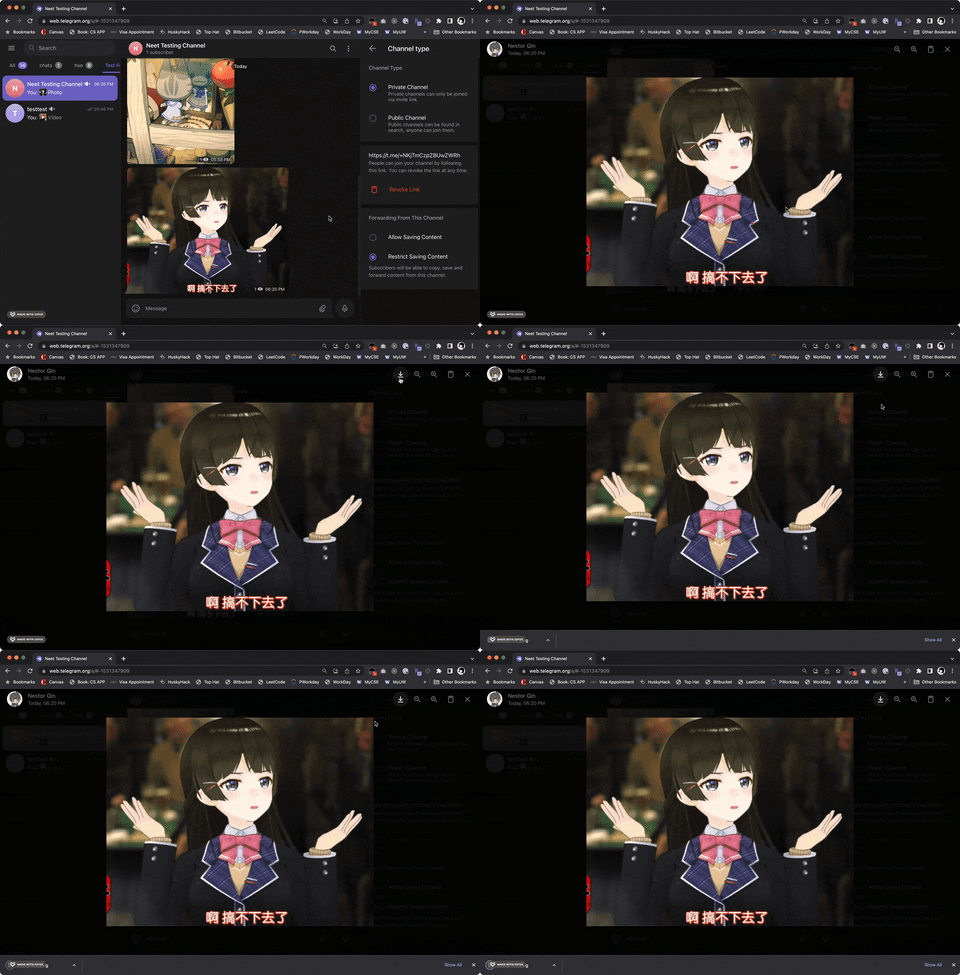
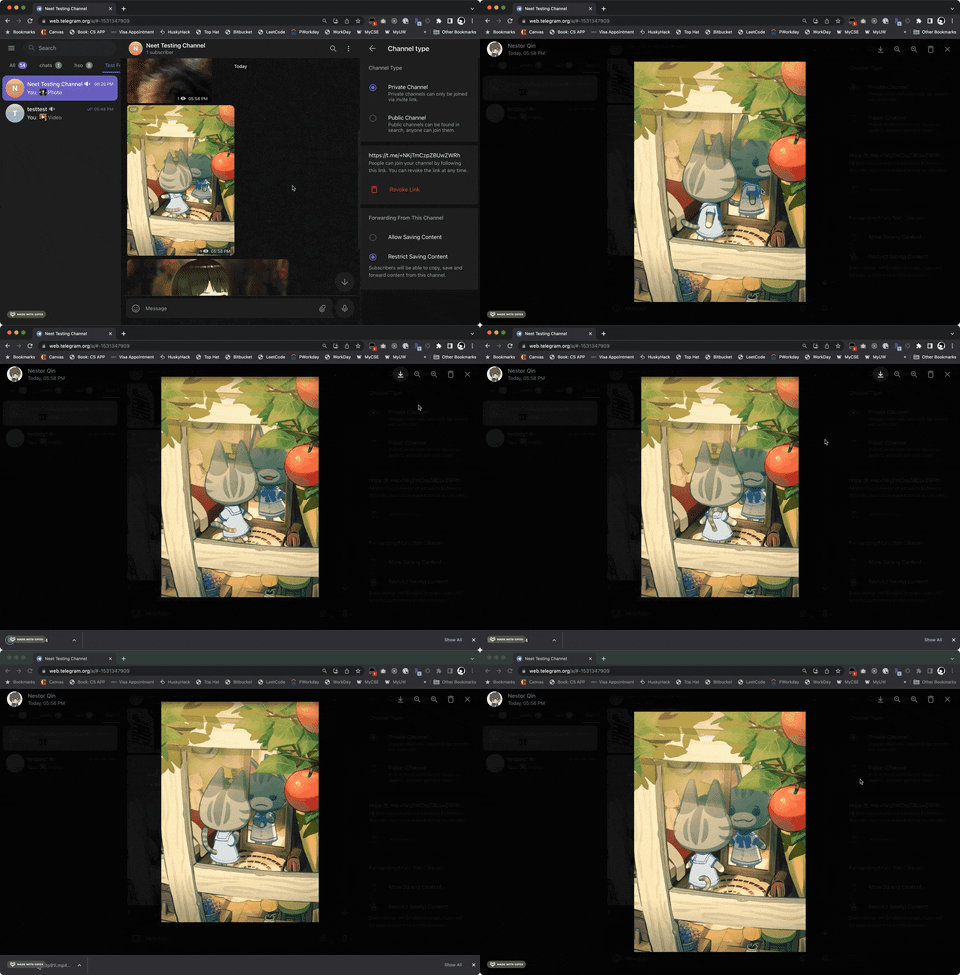
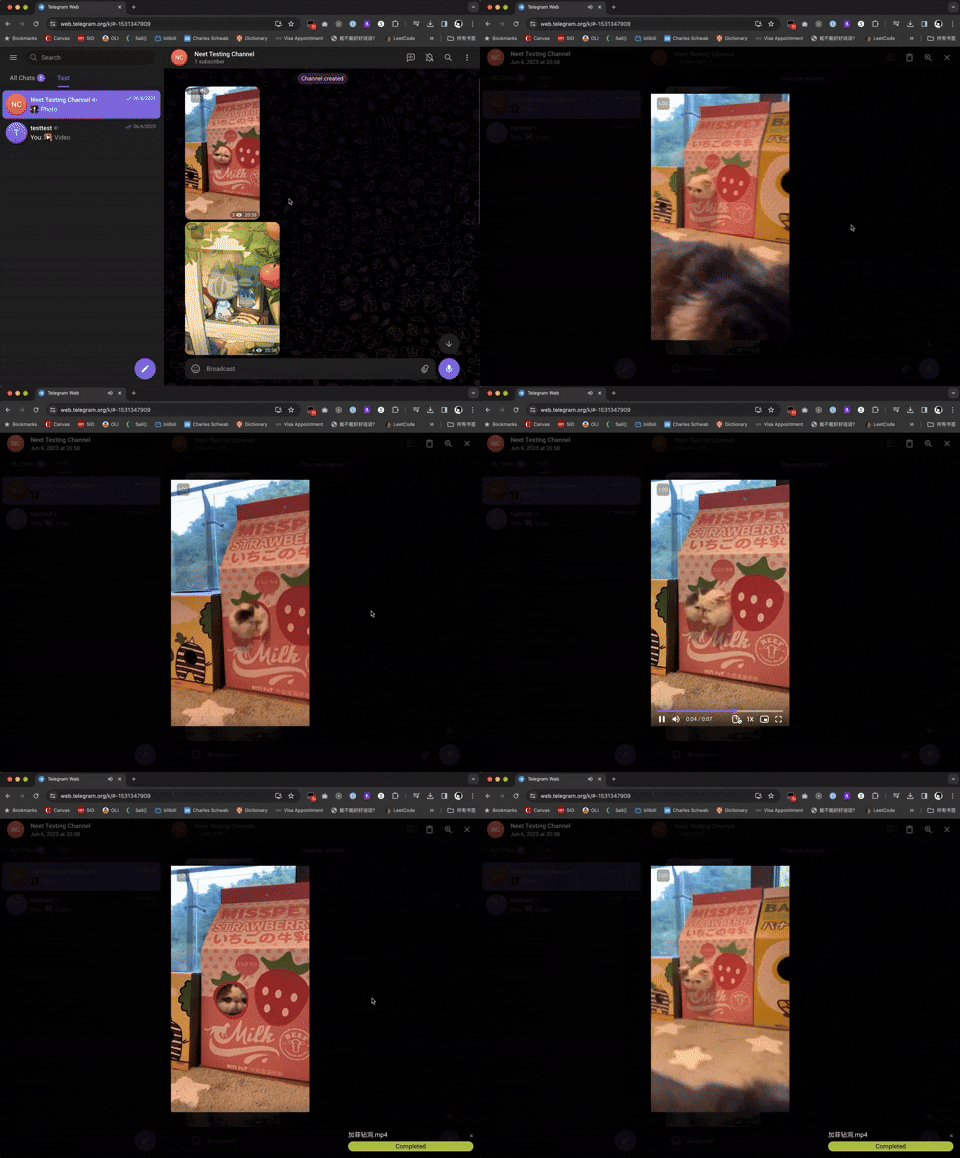
Image Download GIF Download Video Download

For videos, a progress bar will show on the bottom-right corder after you started downloading. For images and audios, there won't be a progress bar.

Supported Webapp Versions

There are 2 different versions of telegram webapps:

This script should work on both versions of webapp. If you are using another different version of webapp and find this script does not work, please raise an issue to our GitHub repo.

Check Downloading Progress

A progress bar will show on the bottom-right of the screen for videos. You can also check DevTools console for logs.

Support Author

If you like this script, you can support me via Venmo or buy me a coffee :)

Contact

If you have any issue using this script, please reach out to our GitHub page and start an issue.