CustomGinzaWatch

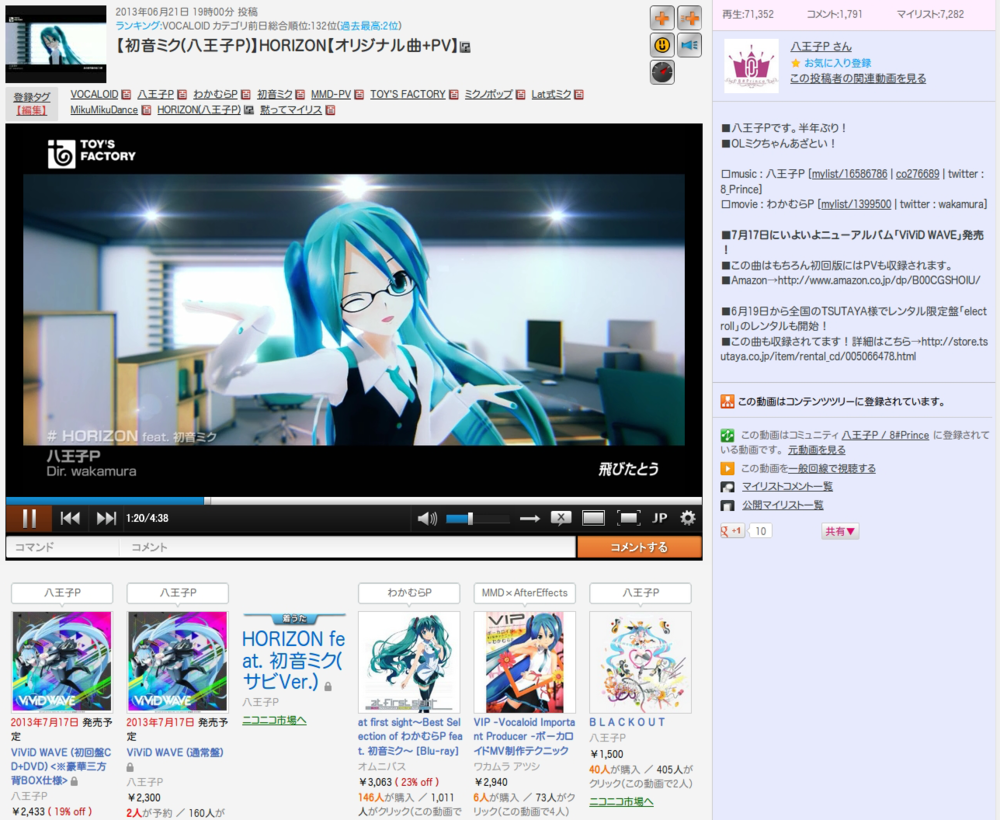
ニコニコ動画:GINZAの動画プレイヤーのUIをお手軽カスタマイズ。

La data de 06-06-2014. Vezi ultima versiune.

You will need to install an extension such as Tampermonkey, Greasemonkey or Violentmonkey to install this script.

You will need to install an extension such as Tampermonkey to install this script.

You will need to install an extension such as Tampermonkey or Violentmonkey to install this script.

You will need to install an extension such as Tampermonkey or Userscripts to install this script.

You will need to install an extension such as Tampermonkey to install this script.

You will need to install a user script manager extension to install this script.

(I already have a user script manager, let me install it!)

You will need to install an extension such as Stylus to install this style.

You will need to install an extension such as Stylus to install this style.

You will need to install an extension such as Stylus to install this style.

You will need to install a user style manager extension to install this style.

You will need to install a user style manager extension to install this style.

You will need to install a user style manager extension to install this style.

(I already have a user style manager, let me install it!)

Autor
hgaragght
Rating-uri
0 0 0
Versiune
4.0.52.1
Creat
01-04-2014
Actualizat
06-06-2014
Size
146 KB
Licență
N/A
Se aplică pe

◆ニコニコ動画:GINZAの動画プレイヤーのUIをお手軽カスタマイズ。Greasemonkey・Chrome対応。

バージョン変更に伴い、Custom_ZeroWatch → Custom_Qwatch → CustomGinzaWatchにスクリプト名変更しました。


■使い方■

・設定項目にチェックを入れて、ページを更新するとカスタマイズされます。


■設定項目

・カスタマイズセット

・広告とか市場とか色々消去項目アリ

・再生数等を上に移動

・背景を灰色にする

・コメント一覧の幅を広げる

・タグクリック時に同じタブで検索結果ページを開く

・タグクリック時に別タブで検索結果ページを開く

など


■カスタマイズ例■


セット8使用の場合


■セット8用ショートカットキー■

コメント入力欄にフォーカスがない状態で、

Rキー : レビュー開閉  /  Iキー : 市場開閉  /  Pキー : プレイリスト開閉

Sキー : 検索結果開閉  /  Dキー : 動画説明開閉  /  Cキー : コメント一覧開閉

Nキー : ニコメンド開閉  /  Mキー  : メニュー開閉  /  Gキー  : NG設定開閉


個別で設定も可能です★

(広告消去やニコメンド消去、マイリストボタンを常時表示等々)


◆最新更新情報&何かご要望等があればどうぞ◆

http://d.hatena.ne.jp/wfwjfow/