「视频已暂停。是否继续观看?」不再显示。
当前为
#No Auto Pause #No Confirm Continue Watching #Continue Playing Music Songs in background #Yes I am Here #Yes I'm here #youtube continue play
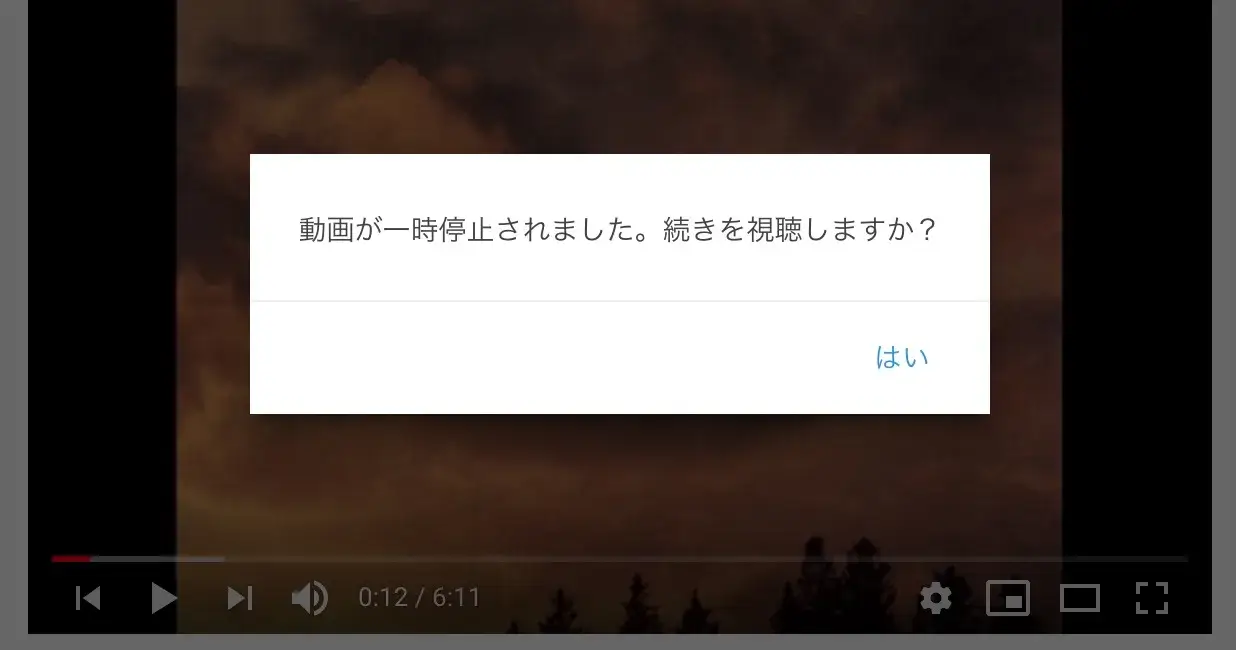
This Userscript is to disable the YouTube built-in feature that showing "Video paused. Continue watching?" after being inactive for a while.
このUserscriptは、「動画が一時停止されました。続きを視聴しますか?」という YouTube の組み込み機能を無効にします。
此Userscript用於停用 YouTube 內置的「影片已暫停,要繼續撥放嗎?」。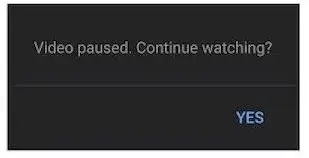
Remarks:window._lact and window._fact will not be changed which might affect the YouTube scheduling engine's coding.
Userscripts with Similar Functions but different implementations:_lact removal: https://greasyfork.org/en/scripts/447802-youtube-web-tweaks/youthereDataChanged_ & youThereData_ removal: https://greasyfork.org/en/scripts/401348-yes-i-m-here-youtube/#confirm-button clicking: https://greasyfork.org/en/scripts/391504-youtube-video-paused-continue-watching-nuker
Simulated Clicking and document page hacking: https://greasyfork.org/en/scripts/390352-youtube-stay-active-and-play-forever
Test: https://www.youtube.com/watch?v=6AC6XoDK6eo
