Watch age restricted videos on YouTube without login and without age verification :)
目前為





A very simple to use userscript to bypass YouTube's age verification.
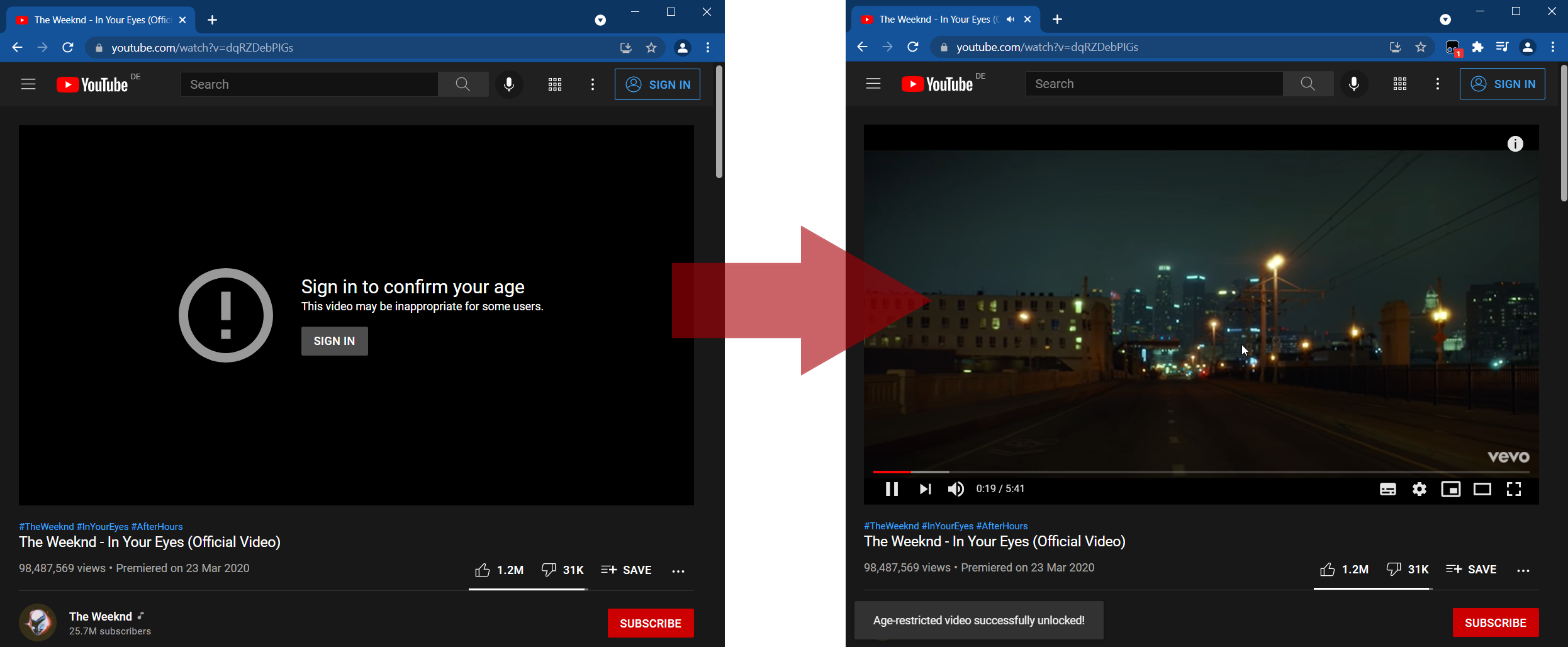
When the video is detected as restricted, the bypass will retrieve the video and all other information from YouTube's unrestricted /youtubei/v1/player endpoint. As a fallback (for some non-embeddable videos) an open source Account Proxy Server is used. This allows you to watch age-restricted videos without verification and the need to be signed in.
All videos will be unlocked automatically.
Install the Tampermonkey extension for your browser:
• Tampermonkey for Chrome
• Tampermonkey for Firefox
• Tampermonkey for Opera
• Tampermonkey for Brave
• Tampermonkey for Edge
• Tampermonkey for Safari
Add this script by clicking the install button.
Done.
Feel free to share your improvements on GitHub: https://github.com/zerodytrash/Simple-YouTube-Age-Restriction-Bypass
