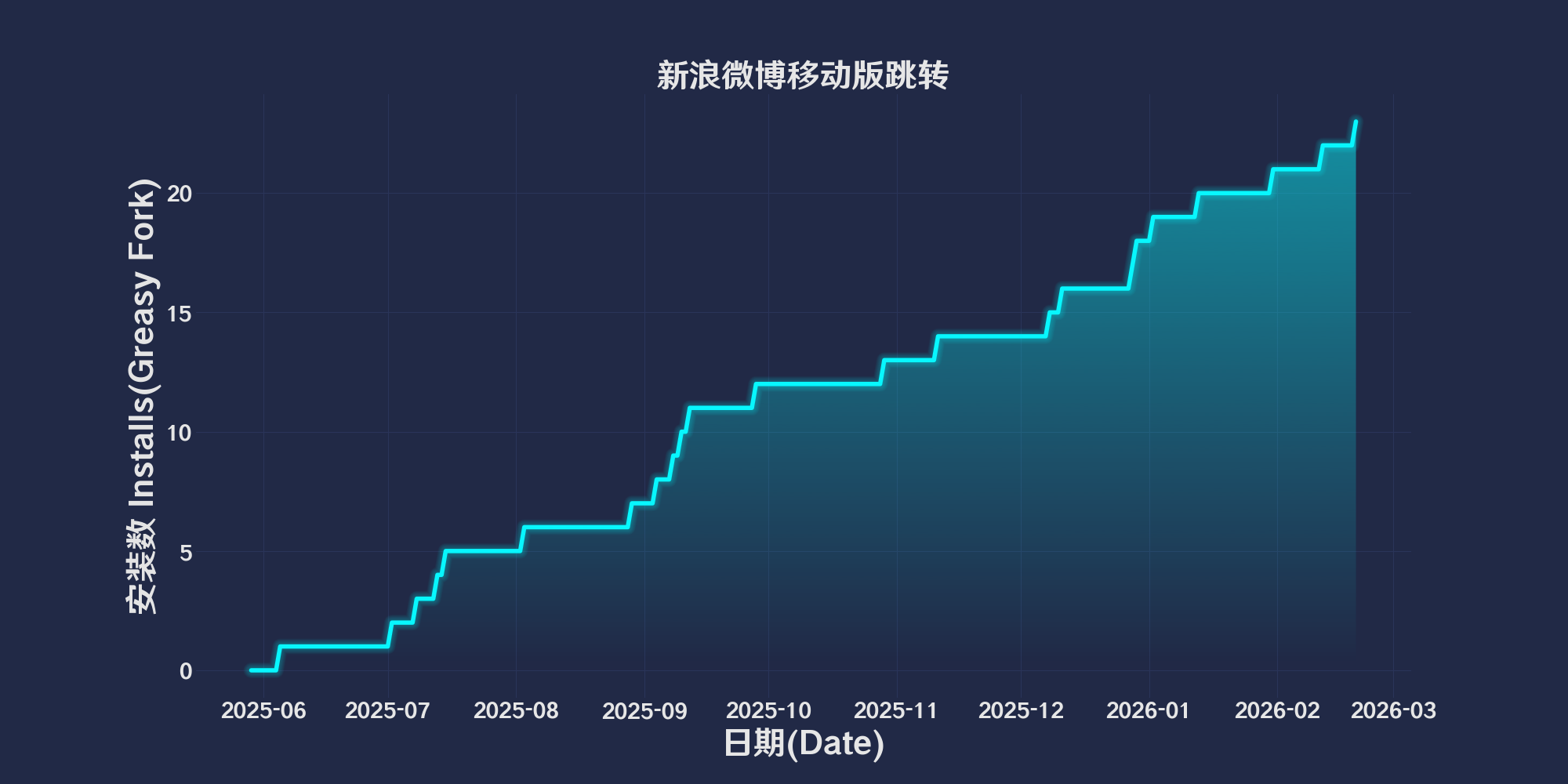
Auto redirect Weibo to mobile version
您需要先安裝使用者腳本管理器擴展,如 Tampermonkey、Greasemonkey 或 Violentmonkey 之後才能安裝該腳本。
You will need to install an extension such as Tampermonkey to install this script.
您需要先安裝使用者腳本管理器擴充功能,如 Tampermonkey或 Violentmonkey 後才能安裝該腳本。
您需要先安裝使用者腳本管理器擴充功能,如 Tampermonkey或 Userscripts 後才能安裝該腳本。
你需要先安裝一款使用者腳本管理器擴展,比如 Tampermonkey,才能安裝此腳本
您需要先安裝使用者腳本管理器擴充功能後才能安裝該腳本。
(我已經安裝了使用者腳本管理器,讓我安裝!)
你需要先安裝一款使用者樣式管理器擴展,比如 Stylus,才能安裝此樣式
你需要先安裝一款使用者樣式管理器擴展後才能安裝此樣式
(我已經安裝了使用者樣式管理器,讓我安裝!)
「 新浪微博自动跳转移动版,支持微博、文章、视频 」
Download:Github | ⭐Greasy Fork
自动将 PC 版的特定链接跳转到对应的移动端版本,提高用户在移动端浏览的体验。支持多种微博链接格式,适用于需要切换至移动端或特定页面的场景。
用户主页
https://weibo.com/u/1234567890
https://m.weibo.cn/u/1234567890
文章页面
https://weibo.com/ttarticle/p/show?id=1234567890
https://card.weibo.com/article/h5/s#cid=1234567890
微博详情页面
https://weibo.com/1234567890/1234567890123456
https://weibo.com/1234567890/abcdEFG89
https://m.weibo.cn/detail/1234567890123456
https://m.weibo.cn/status/abcdEFG89
视频页面
https://video.weibo.com/show?fid=1234:1234567890123456
https://weibo.com/tv/show/1234:1234567890123456
🧑💻 @Vinfall ⇒ 📜 weibo-mobile-redirect.user.js
推荐浏览器和脚本管理器:
如果你需要了解更多关于如何安装用户脚本,点击我查看图文教学!
更多用户脚本 /回到顶部↑